
Quick Answer
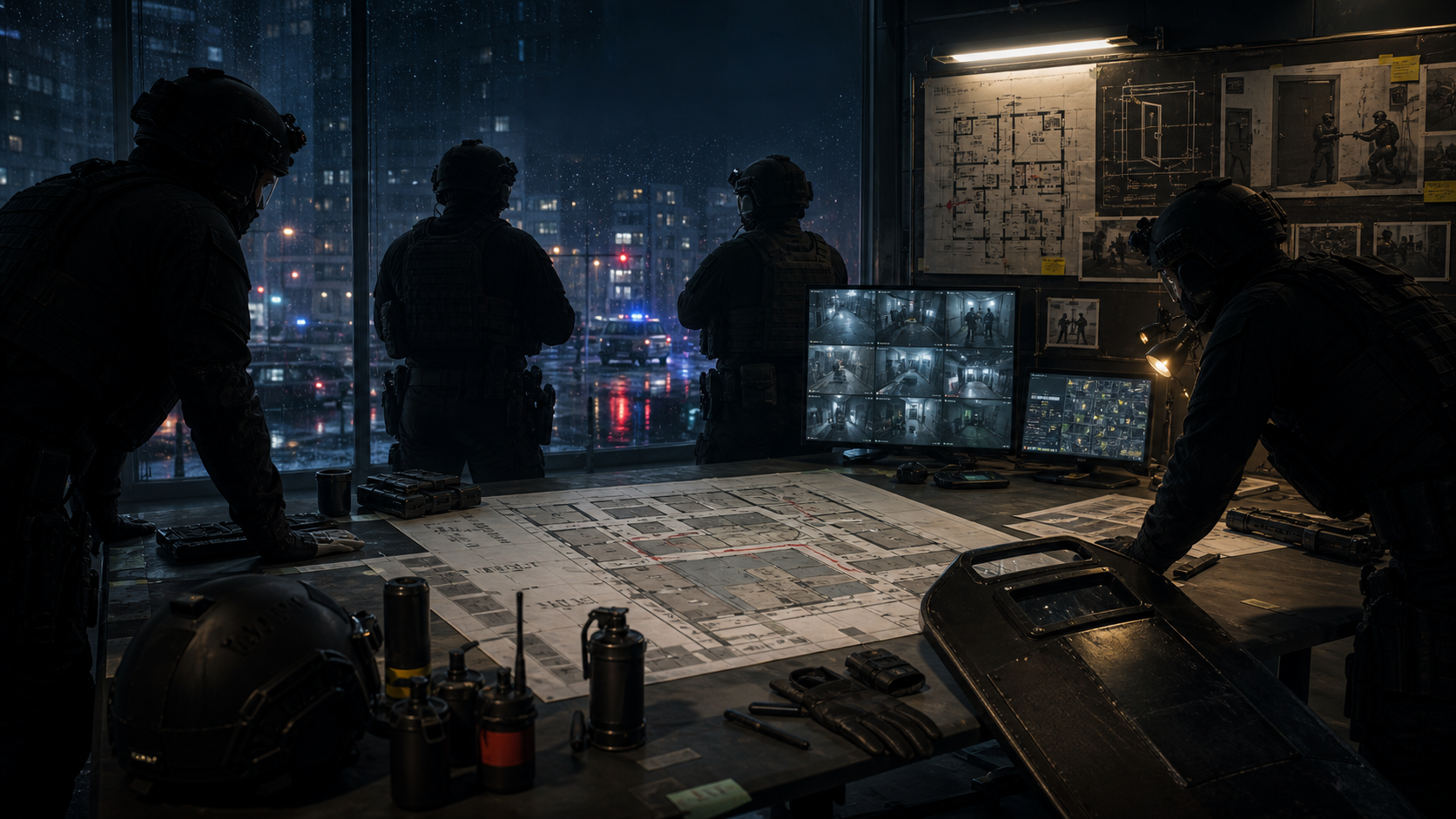
The console launch trailer helps inspect UI, tempo, and visual cues new players often misread. This page does not recap the video shot by shot; it turns official public footage into tactical pause points.
Before Watching
- Open Mission Routes first and decide whether you are studying route, gear, or scoring.
- Video helps with spatial rhythm; the actual raid still depends on loadout and difficulty.
- If the official video has no chapters, pause by visual beats below instead of memorizing exact seconds.
Key Pause Points
| Beat | What to watch | Use |
|---|---|---|
| 00:00-00:20 | Environment, entry, lighting, squad posture | Decide whether the map is low-light, long-lane, or dense-room |
| 00:20-00:45 | Movement and door behavior | Compare mirror, wedge, breach, and command order |
| 00:45-01:10 | Fight or suspect reaction | Decide whether less-lethal, shield, or gas is needed |
| After 01:10 | UI, debrief, mission mood, or DLC clues | Note which single-mission guide needs updating |
Turn It Into Practice
- Long lanes: review Long Hallway Crossfire Control.
- Dense doors: review Door Wedge Control Route.
- Arrests or scoring: review S-Rank Scoring Checklist.
Video Source
Embedded from VOID Interactive public YouTube footage: Ready or Not: Console Launch Trailer. This site embeds public video and keeps written steps; it does not download, cut, or rehost third-party video.